
All Categories
-
Car remote controls
-
OEM car key
-
Car key shells
- Enhanced key shell
-
Emergency&Flip key blade
- Motorcycle key shells
- Motorcycle key remotes
- Heavy machinery key
-
Car lock
- Car lock accessories
-
Locksmith tools
- Car&Motor Lishi 2 in 1
- Sided groove-Lishi 2 in 1 Inner groove-Lishi 2 in 1 Flat key-Lishi 2 in 1 Motorcycle Lishi 2 in 1
- Residential tools-①
- Wafer lock tool Cross lock tool Magnetic lock tool Specialized lock tool Straight shackle padlock tool
- Transponder Chip
- Keydiy Products
- VVDI/Xhorse Products
- KYDZ Products
-
Autel/Lonsdor/Yanhua/Others
- Car alarm /OBD diagnostic tools
-
Key protector/TPU/Key Cover
- Cutting Machine
Faster delivery,Better products,Best service!!
Cart
Loadding...


US$ 2.30
-
Customized Requirements
- Quantity
-
Stock ( 9999994 ) MOQ ( 5 )
Adding to cart succeed

-
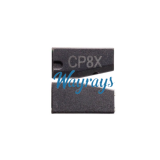
- Product Name: CGDI 2025 CP8X Super Chip
- Item NO.: XP-041
- Weight: 0.001 kg = 0.0022 lb = 0.0353 oz
- Volume: 13 CBM
- Category: Transponder Chip > Other Chip
- Creation Time: 2025-09-12
How to Convert CP8X Super Chip with CGDI K2 Smart Key Tool:
Conversion Procedure
Follow these steps to convert the CP8X Super Chip using the CGDI K2 Smart Key Tool:
Step 1: Insert the Super Chip
Begin by inserting the Super Chip into the designated chip slot on the CGDI K2 device. Ensure that the chip is securely placed to avoid any errors during the conversion process.
Step 2: Access Chip Conversion Function
Navigate through the device menu to access the chip conversion function:
Select More Function
Choose CP8X Super Chip or select your target chip type from the list.
Step 3: Select Chip Type & Enter ID
Once you are in the chip conversion menu, select the chip type you wish to convert. The CGDI K2 supports several chip types, including:
ID46
ID4E 46_EXT
ID7938 (ID47)
ID49
IDDST80
DST80_4D72G
ID4E
ID48
IDTEMIC11
IDTEMIC12
IDMEGAMOS13
ID4A
ID8A (H)
8A (Blank) Chip
ID4C
For example, if you want to set the chip as ID46, click on it from the list. After that, click on Settings located at the middle-bottom of the interface.
Next, enter the Chip ID (for instance, 12567121) in the designated field. Finally, click Continue to initiate the conversion process.
Step 4: Verify Successful Conversion
Upon completion of the conversion, it is essential to verify its success. To do this, follow these steps:
Navigate to Chip Identification Copy
Select Chip Identification.
If the displayed Chip ID matches the entered value (e.g., 12567121), congratulations! The conversion was successful, and your CGDI K2 Key Programmer has successfully programmed the CP8X Super Chip.
----------------------------------------------------------------------------------------------------------------
You may has the problems as below:
Chip Not Recognized: Ensure that the Super Chip is inserted correctly and is compatible with the CGDI K2.
Incorrect ID Displayed: Double-check the entered Chip ID for any typos or errors before proceeding with the conversion.
Device Malfunction: Restart the CGDI K2 if it becomes unresponsive. Ensure that the firmware is up to date.
---------------------------------------------------------------------------------------------------------------
Conclusion
The CGDI K2 Smart Key Tool offers a reliable and efficient way to convert Super Chips, including the CP8X model. By following the steps outlined in this guide, automotive locksmiths and enthusiasts can confidently perform chip conversions with ease. Always remember to verify the Chip ID after conversion to ensure successful programming.
Above from VXDAS,Thank you
You May Also Like
-
-
-

-
-

-

-
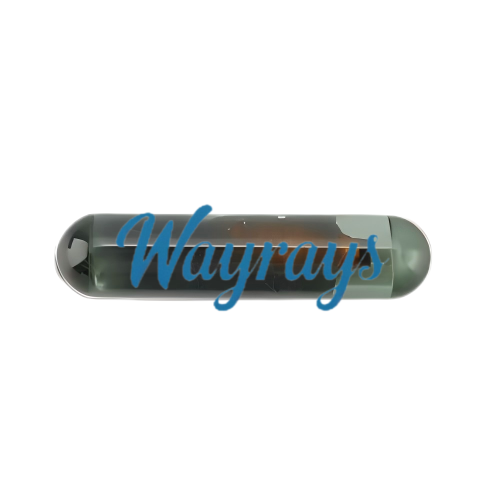 Original T5 glass transponder chipUS$ 1.30
 -
 Original T5 ceramic transponder chipUS$ 1.50
 -
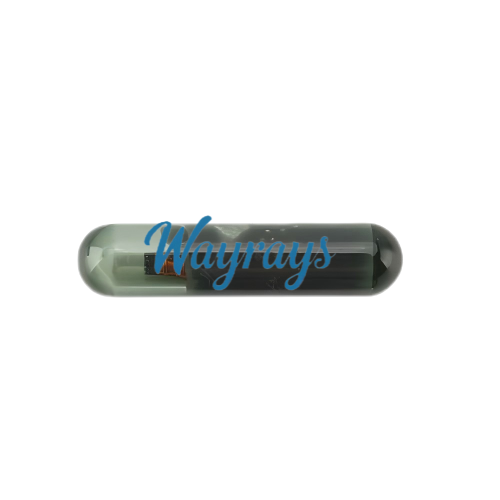 Original ID13 glass transponder chipUS$ 0.85
 -
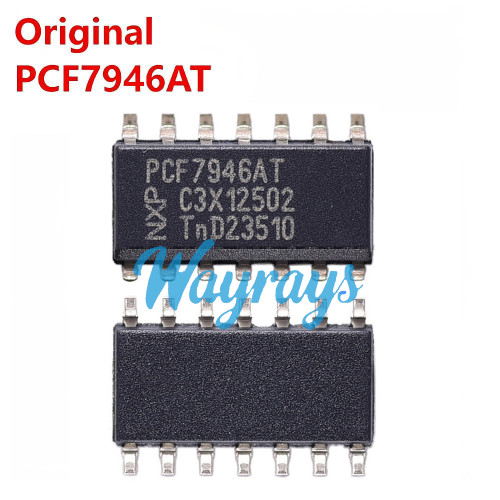 Original PCF7946AT IC chip 7946ATUS$ 7.50
 -
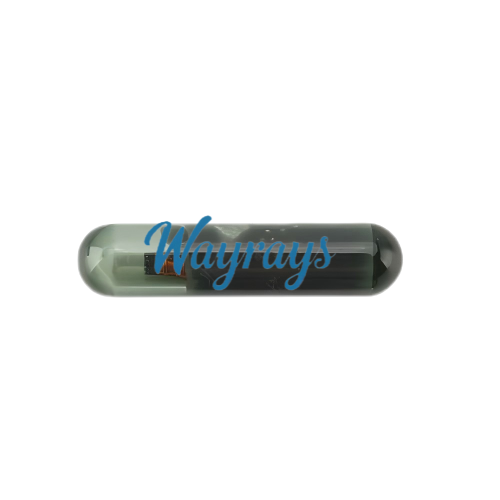
-
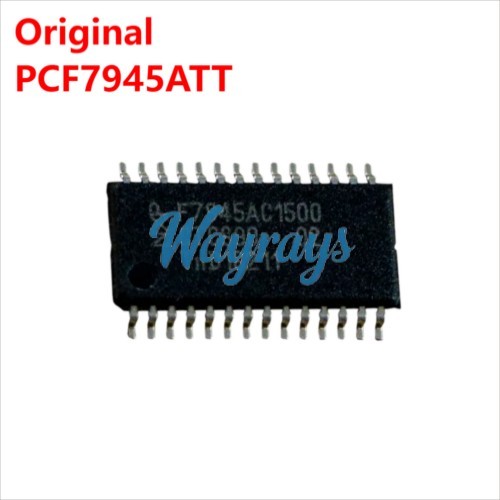 Original PCF7945ATT IC chip 7945ATTUS$ 3.30
Recently Viewed
-
-
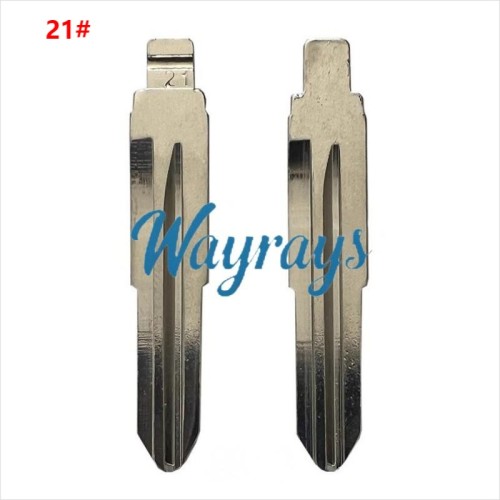 (21#)DH4R blade,for ToyotaUS$ 0.32 ~ US$ 0.35
 -
 For Toyota Prius Daihatsu key shell without l...US$ 2.30 ~ US$ 2.80
 -

-

-

-
-

-

-

-

-

- Help center
- About Us
- Contact Us
- My order
- Change password
- About Shipping
- Shipping Methods
- About Payment
- Payment Methods
- About Return
- Return Policy&Return Method
- Newsletter
Copyright © 2006-2020 SHOP INC. All Rights Reserved.
Customer Reviews