
All Categories
-
Car remote controls
-
OEM car key
-
Car key shells
- Enhanced key shell
-
Emergency&Flip key blade
- Motorcycle key shells
- Motorcycle key remotes
- Heavy machinery key
-
Car lock
- Car lock accessories
-
Locksmith tools
- Car&Motor Lishi 2 in 1
- Sided groove-Lishi 2 in 1 Inner groove-Lishi 2 in 1 Flat key-Lishi 2 in 1 Motorcycle Lishi 2 in 1
- Residential tools-①
- Wafer lock tool Cross lock tool Magnetic lock tool Specialized lock tool Straight shackle padlock tool
- Transponder Chip
- Keydiy Products
- VVDI/Xhorse Products
- KYDZ Products
-
Autel/Lonsdor/Yanhua/Others
- Car alarm /OBD diagnostic tools
-
Key protector/TPU/Key Cover
- Cutting Machine
Cart

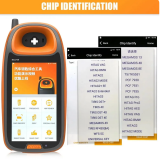
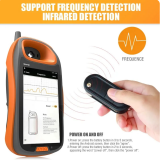

KYDZ Smart Key Device Support Remote Frequency Chip Identification Add Smart Key,it can't sell to Vietnam, Malaysia, Indonesia, Thailand, Turkey, United Arab Emirates, Saudi Arabia, Singapore, Mexico, CambodiaItem NO.: KYDZ-003
-
Customized Requirements
- Quantity
-
Stock ( 9999999 )
-
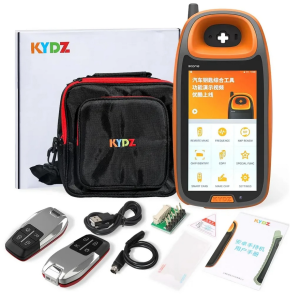
- Product Name: KYDZ Smart Key Device Support Remote Frequency Chip Identification Add Smart Key,it can't sell to Vietnam, Malaysia, Indonesia, Thailand, Turkey, United Arab Emirates, Saudi Arabia, Singapore, Mexico, Cambodia
- Item NO.: KYDZ-003
- Weight: 1.05 kg = 2.3149 lb = 37.0377 oz
- Volume: 1742 CBM
- Category: KYDZ Products > KYDZ Tools
- Creation Time: 2025-08-22
KYDZ STONE Remote Generator – Key Maker – Chip Cloner device Android Handheld Supports Remote Test Frequency-Refresh Generate Chip Recognition-Smart Card Generate
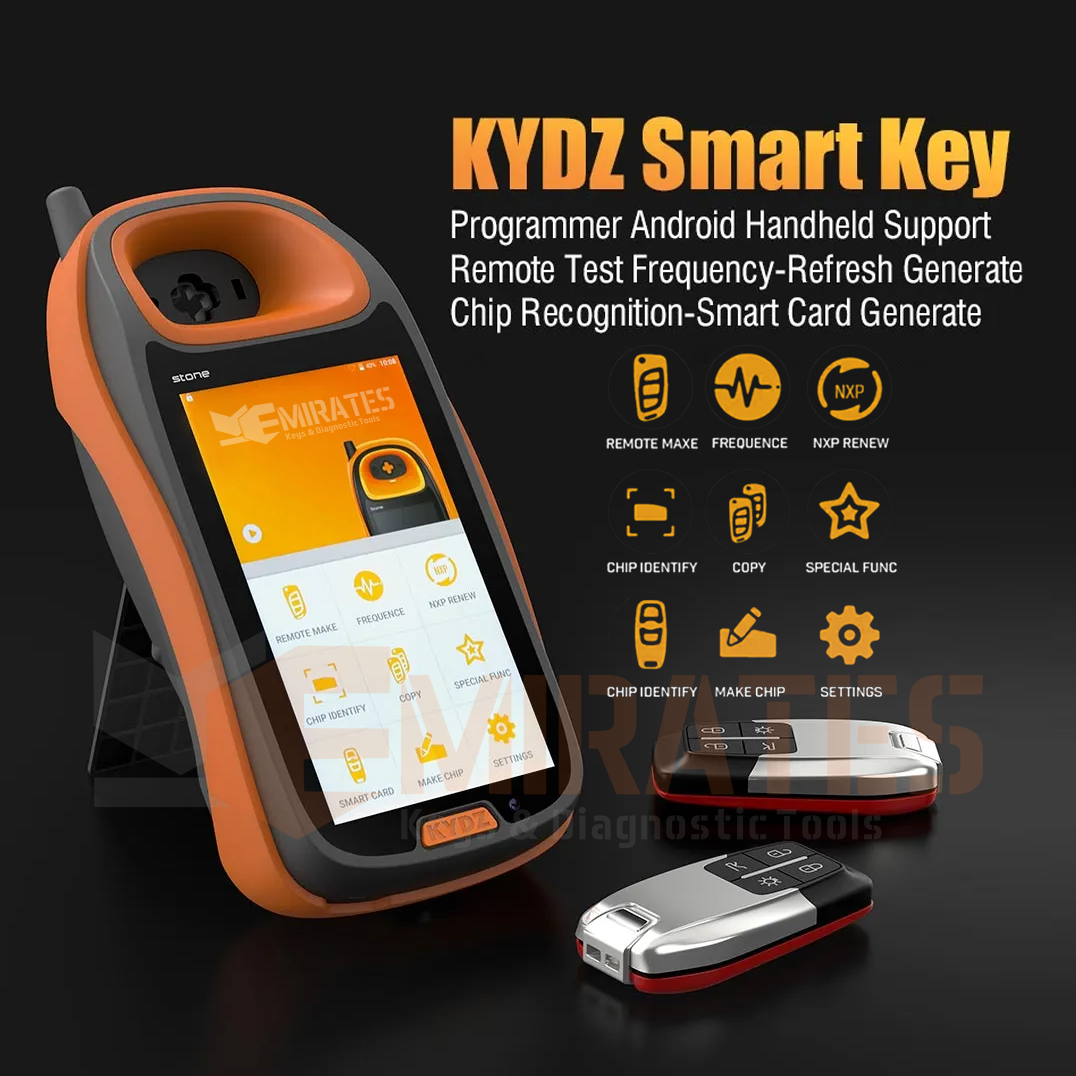
KYDZ Stone Smart Key Programmer Functions:
1. Chip Identification, Copy and Generation
2. Anti-theft Data write Key
3. Remote Generation
4. Support Frequency Detection, Infrared Detection
5. NXP Renew
6. Smart Card GenerationPower On and Off:
1.Power on: press the battery button in 3 to 5 seconds, entering the Android screen, then click the “agree”.
2.Power off: press the battery button in 2 to 3 seconds,appearing the word “power off”, then click the “power off”.Home Page Description:
1. Active message showing: show the new message of KYDZ
2. Remote making: producing the RKE remote key.
3. Detecting the frequency and infrared.
4. NXP renew: OEM and after market is supported.
5. Chip identify:recognize the chip,edit,read the EEPROM.
6. Copy:(still research and develop).
7. Special function:(still research and develop).
8. Smart card:producing all kinds of PKE remote keys.
9. Making chip:G make,G mass,ID67,ID68,ID70,ID70E,ID33,ID40,ID4, ID42,ID43,ID44,ID45,ID46,ID60,ID61,ID62,ID63 and so on.
10. Setting: wifi setting,display setting, volume setting, language setting, PC mode.KYDZ Stone Smart Key Programmer Using Instruction:
1. Remote Making
Please check if the battery of the RKE remote key can work before making, then clicking the “remote make”—–choose the area—-choose the type of car—-enter the screen of remote make—-put the RKE remote key into the Key slot—-appear the word “connect the remote key”—-click generate—remote making—–read successful—-confirm.
2. Detecting Frequency
(1)Detecting Frequency: click “frequency”—–put the remote key near this machine—-press the button of the remote key—-appearing relative information of the key.
(2)Detecting Infrared:click “frequency”—–put the remote key near this machine—-press the button of the remote key—-appearing information.3. NXP Renew
Click“NXP renew”—-choose the area—-choose the type of the car—–enter the screen and connect the circuit—–use the PS2 wire to connect the port of the PS2——–click “refresh/update”——-reading the chip——read successful—-click “confirm”
4. Chip Identity
(1)Click “chip identity”—–put the chip into the Key slot—-click chip identify—–recognizing—-finished—-showing the information of chip—click “chip edit”
(2)Click “chip identity”—–out the chip into the key slot——click “EEPROM”—-click “read the data of EEPROM”5. Copy: (still research and develop).
6. Special function: (still research and develop).
7. Smart Card
Please check if the battery of the RKE remote key can work before making, then clicking the “remote make”—–choose the area—-choose the type of car—-enter the screen of remote make—read PKE remote key—adjust it until it display the “PKE remote key”—-click “generate”–confirm
8. Making Chip
(1)Car model:put the chip into the key slot—-click “make chip”—-car model—-choose the area—-choose the type of the car—-click “Importing files”—confirm—-back to the last interface—click “generate”–confirm
(2)Image generator:put the chip into the key slot—-click “make chip”—click “image generator”—choose G producing as your need.
(3)Unlock: put the chip into the key slot—–click “make chip”—–click “unlock”—-choose the area—-the the type of the car— detecting the battery—detecting the data of the factory—-reset the chip.9. Setting
(1)WIFI setting: click “setting”—click “wifi setting”—-choose the internet——connect
(2)display setting:click “setting”—click “display setting”—-adjust the light of the screen as you want
(3) volume setting:click “setting”—click “volume setting”—-adjust the volume of the screen as you want
(4)language setting:click “setting”—English/Chinese
(5)PC mode:connect to the computer
(6)About: showing the version of this machineKYDZ Stone Smart Key Programmer Parameter
1.Size: 5.0 inch
2.Battery: 5000mAh/3.7V
3.Charging: DC 5V/1A
4.Using environment: -10°C—55°CKYDZ Stone Smart Key Programmer includes:
1 set x KYDZ Smart Key Programmer
You May Also Like

Recently Viewed
-
-
-
![[With battery holder] For VW B5 modified key shell with round logo place](https://cdn.staticyy.com/100611/2026/03/04/2/e/2e00d407445e159a.jpg?x-oss-process=image/quality,Q_90/auto-orient,1/resize,m_lfit,w_500,h_500 "[With battery holder] For VW B5 modified key shell with round logo place")
-
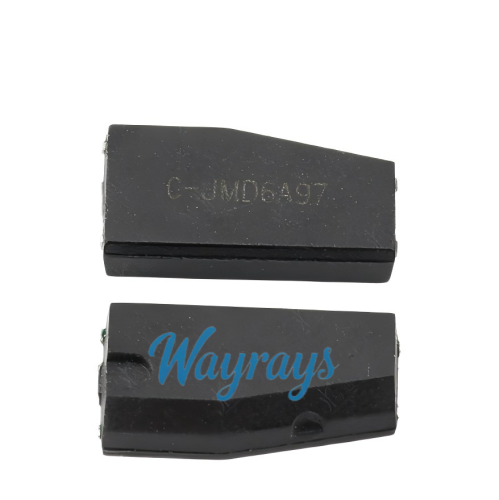 JMD 46 ceramic transponder chipUS$ 1.00
 -
-
-

-
-
-
-
 For Ford emergency key bladeUS$ 1.20
 -

- Help center
- About Us
- Contact Us
- My order
- Change password
- About Shipping
- Shipping Methods
- About Payment
- Payment Methods
- About Return
- Return Policy&Return Method
- Newsletter
Customer Reviews