
All Categories
-
Car remote controls
-
OEM car key
-
Car key shells
- Enhanced&Upgraded key shell
-
Emergency&Flip key blade
- Motorcycle key shells
- Motorcycle key remotes
- Heavy machinery key
-
Nxp Killer & Apdaters
-
Car lock
- Car lock accessories
-
Locksmith tools
- Car&Motor Lishi 2 in 1
- Sided groove-Lishi 2 in 1 Inner groove-Lishi 2 in 1 Flat key-Lishi 2 in 1 Motorcycle Lishi 2 in 1
- Residential tools-①
- Wafer lock tool Cross lock tool Magnetic lock tool Specialized lock tool Straight shackle padlock tool
- Residential tools-②
- Bump key tool Peephole tool Remove sth tool Door gap insert tool lock forcing&Torsion tool
- Car tools
- Airbag Remove sth/Open car key tool Pry bar&Push hook Car quick open tool Car key duplication model
- Transponder Chip
- KYDZ Products
- Keydiy Products
- VVDI/Xhorse Products
-
Autel/Lonsdor/CGDI/Others
-
Key protector/TPU/Key Cover
- Cutting Machine
Cart
How to add Lonsdor JL30 & JLR Land Rover Range Rover Smart key and Write ID via K518PRO
1. Click Generate smart key
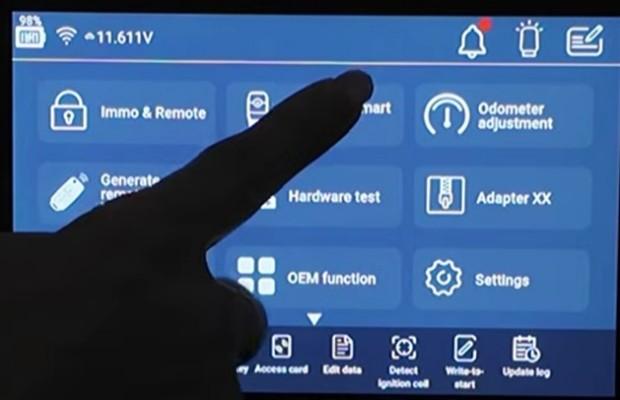
2. Click Land Rover
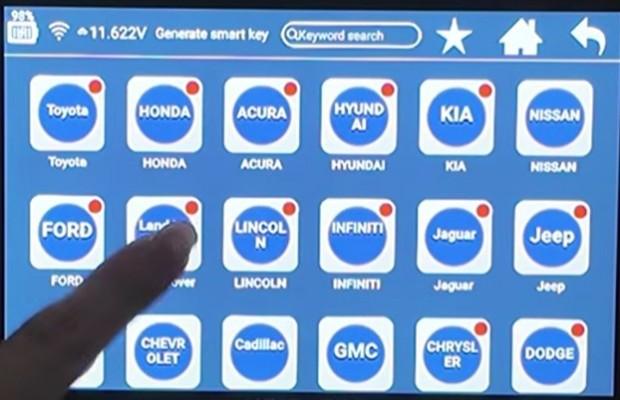
3. Select ID49 433M
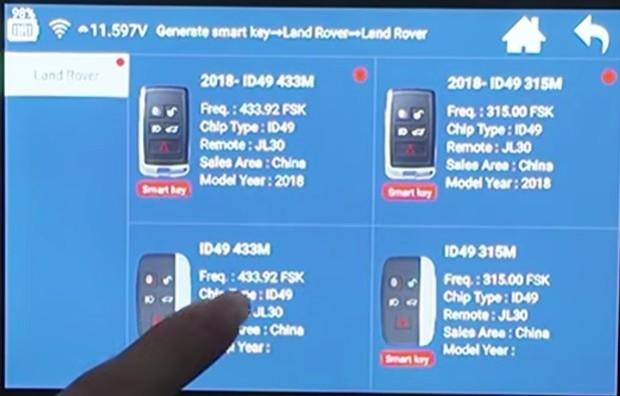
4. Put our Lonsdor smart key into the card slot
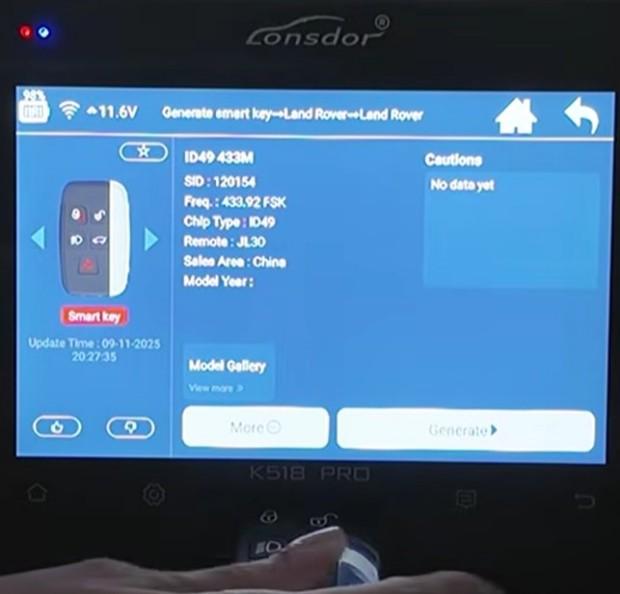
5. Click Generate
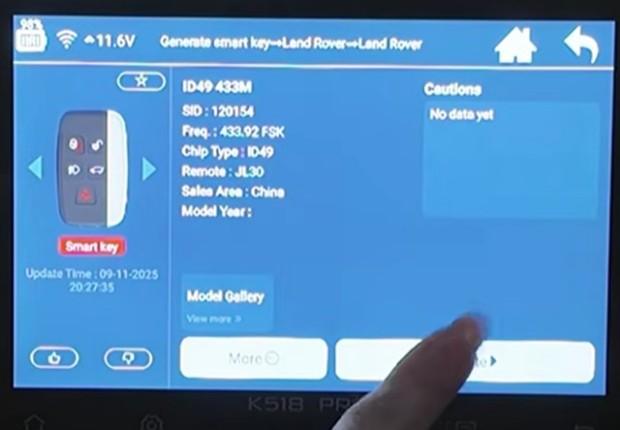
6. Click OK
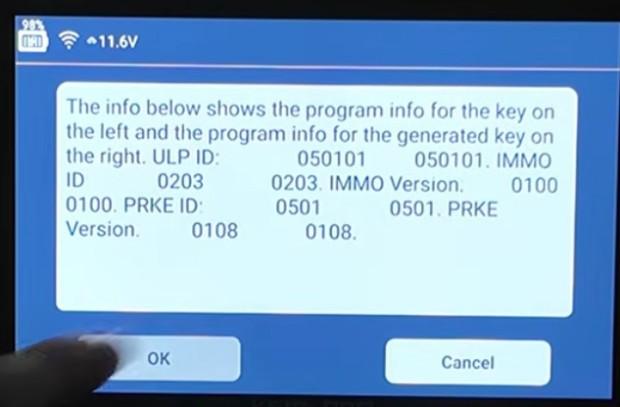
7. After generation is successful, return to the main menu
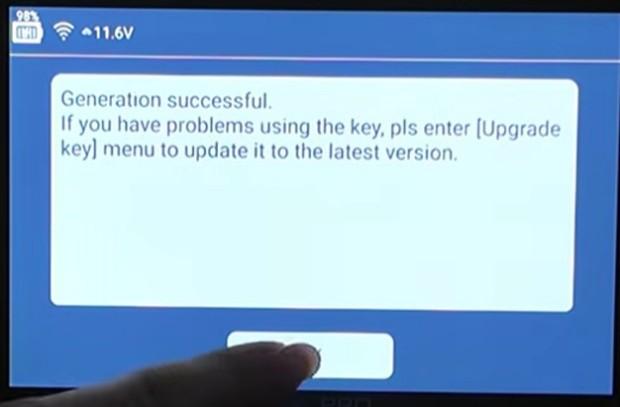
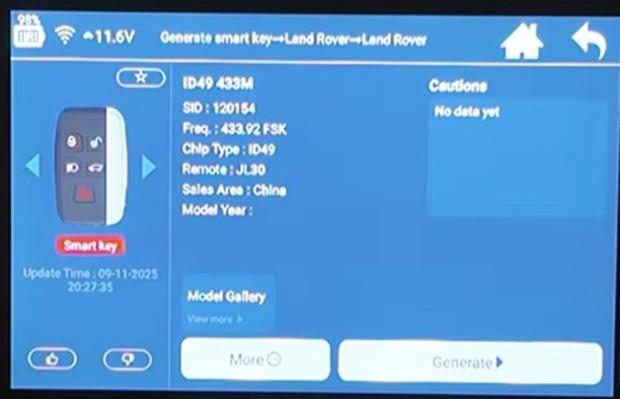
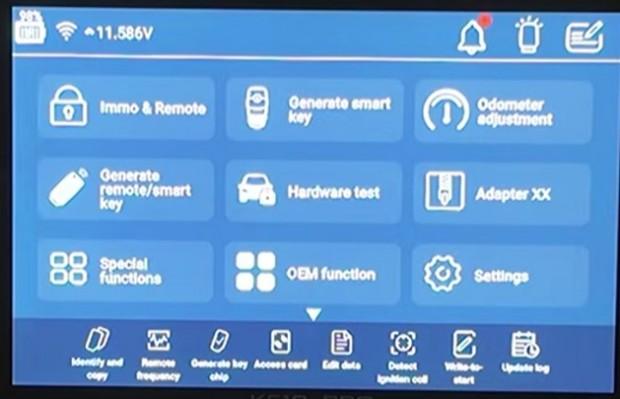
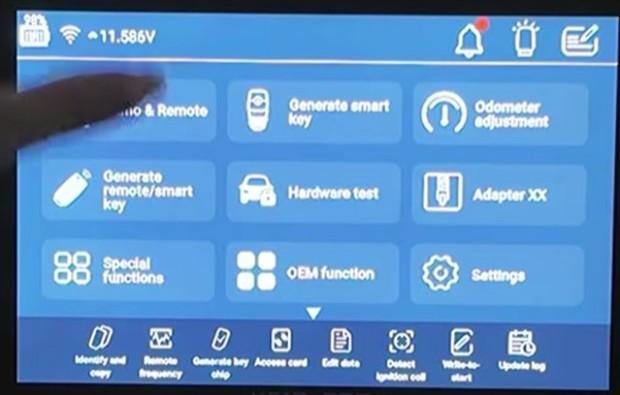
8. Click Immo & Remote
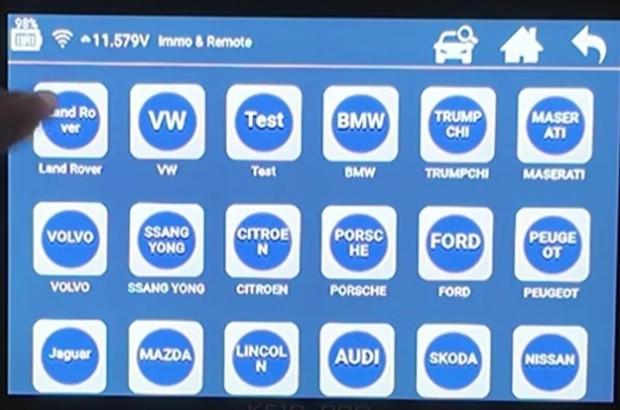
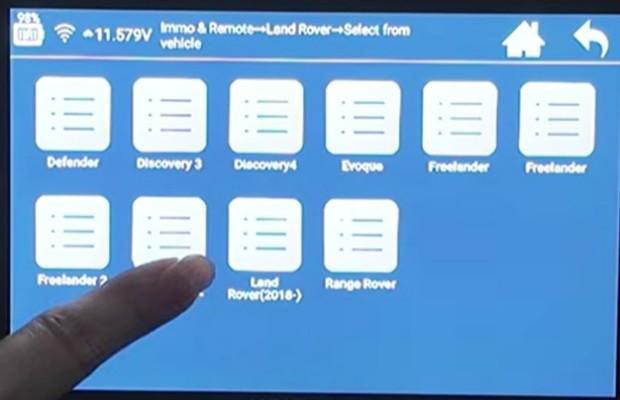
9. Click Land Rover
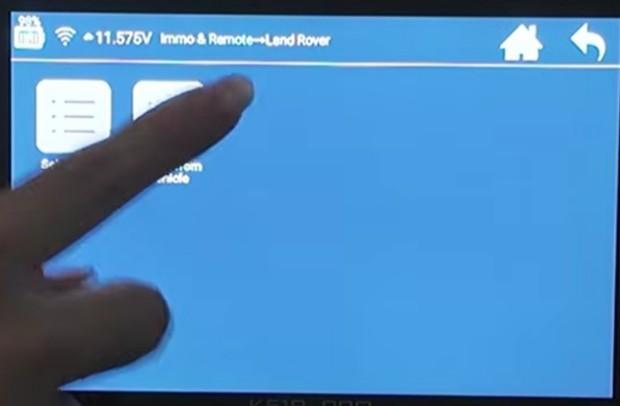
10. Click Select from vehicle
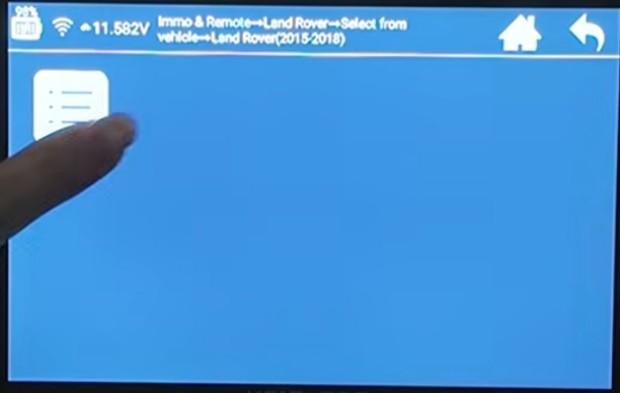
11. Click Land Rover (2015-2018)
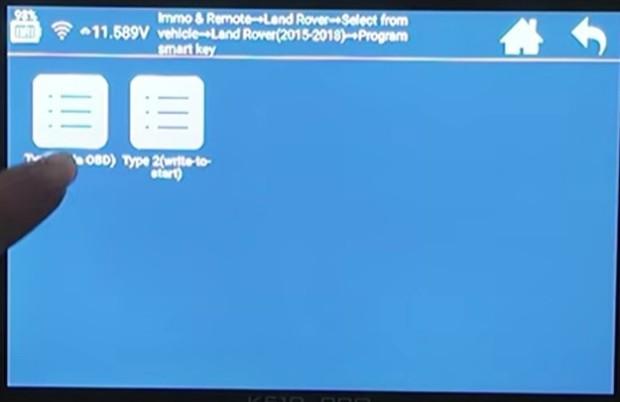
12. Click Program smart key
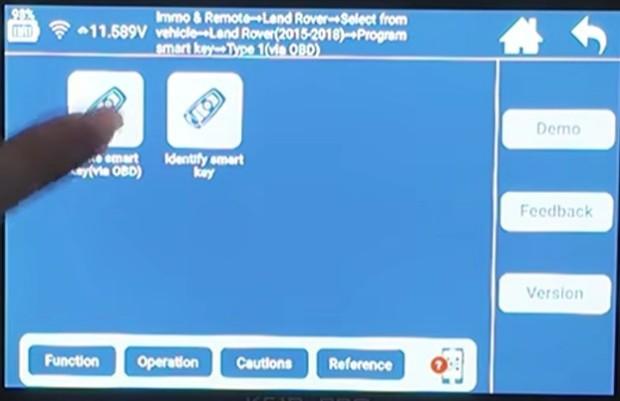
13. Click Type 1 (via OBD)
14. Click Write smart key (via OBD)
15. Read the prompt page carefully and click OK
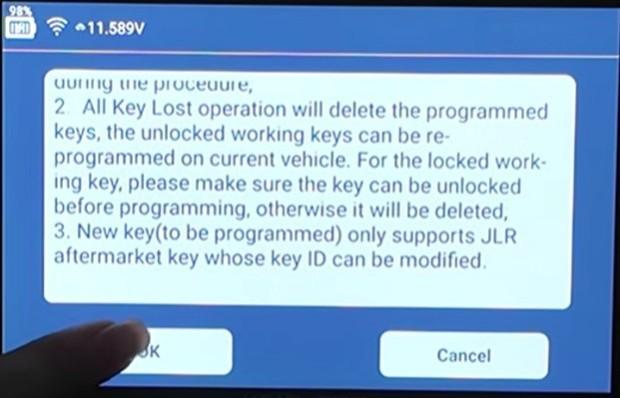
16. Click OK
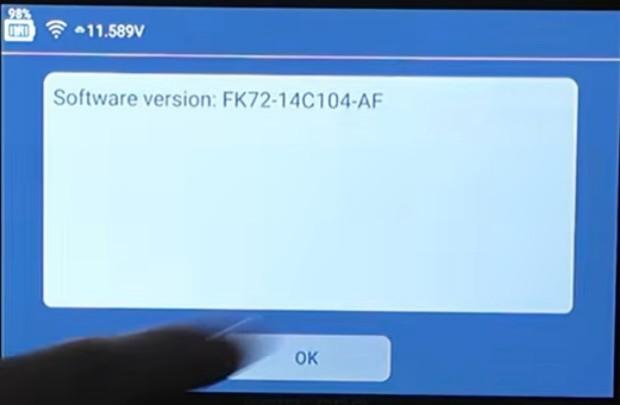
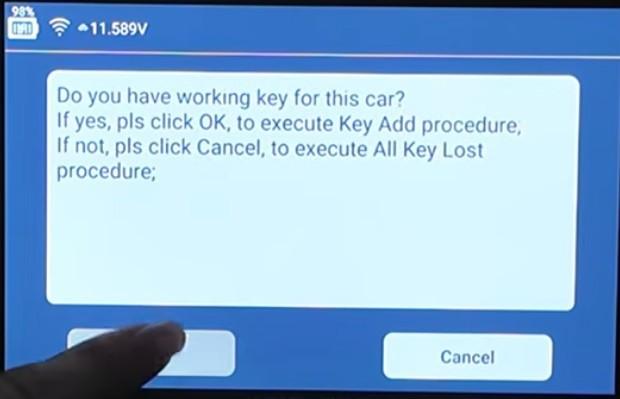
17. If you have the working car key, click OK
18. Put the original car key into the card slot of the K518 PRO
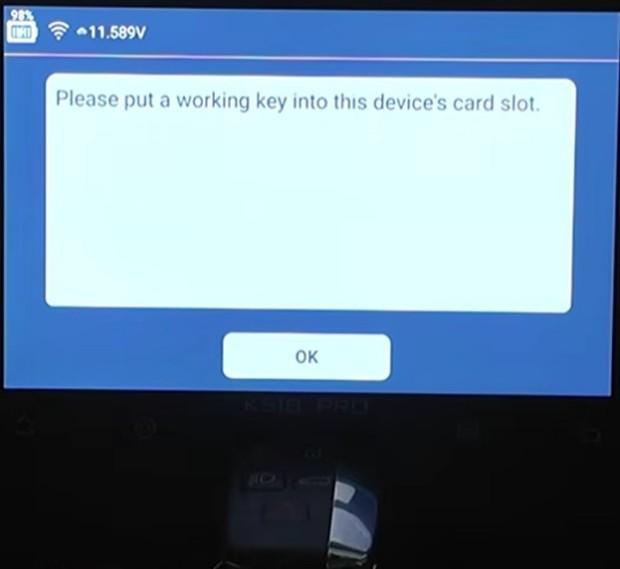
19. Click OK
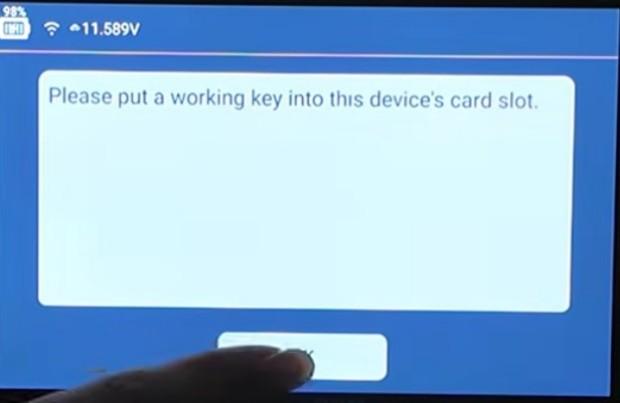
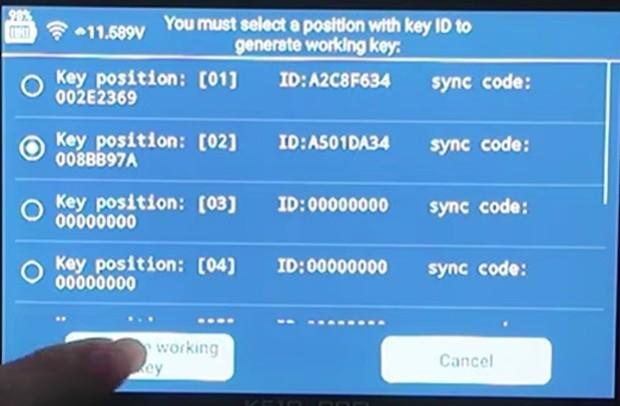
20. Key position [01] is the original car key. Choose key position [02] and click the Generate working key button
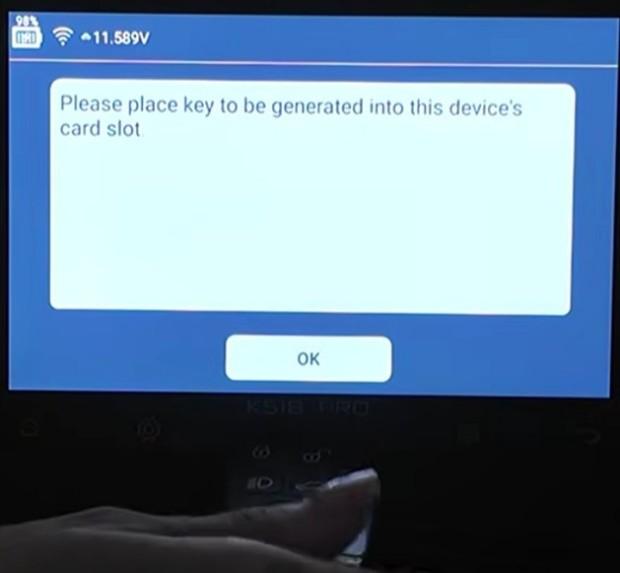
21. Put the aftermarket key into the card slot, and click OK
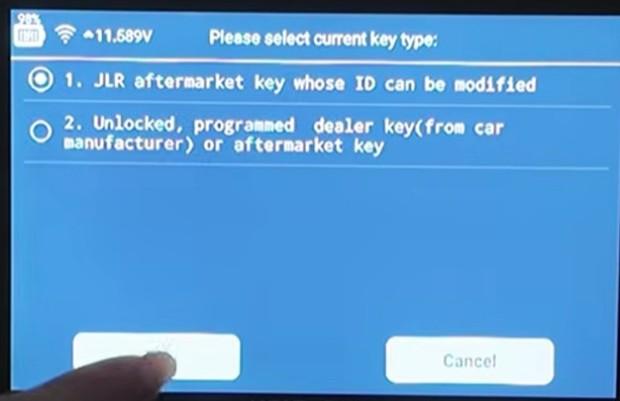
22. Choose the JLR aftermarket key whose ID can be modified and click OK (the device will automatically write the correct ID)
23. Generated successfully. No need to continue generating, so click Cancel
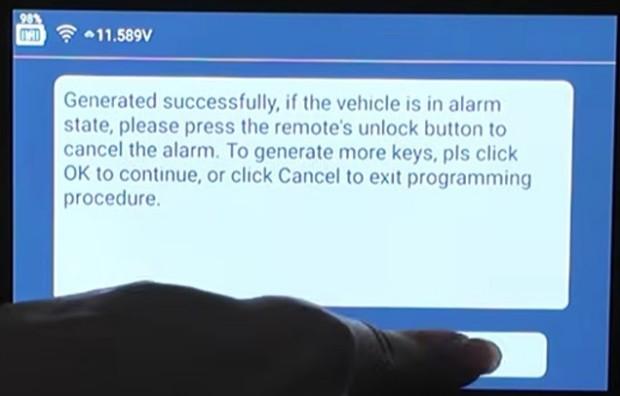
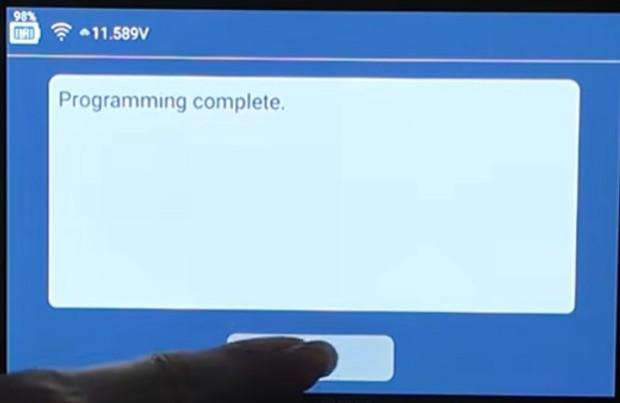
24. Program complete. Click OK
- Help center
- About Us
- Contact Us
- My order
- Change password
- About Shipping
- Shipping Methods
- About Payment
- Payment Methods
- About Return
- Return Policy&Return Method
- Newsletter