
All Categories
-
Car remote controls
-
OEM car key
-
Car key shells
- Enhanced&Upgraded key shell
-
Emergency&Flip key blade
- Motorcycle key shells
- Motorcycle key remotes
- Heavy machinery key
-
Nxp Killer & Apdaters
-
Car lock
- Car lock accessories
-
Locksmith tools
- Car&Motor Lishi 2 in 1
- Sided groove-Lishi 2 in 1 Inner groove-Lishi 2 in 1 Flat key-Lishi 2 in 1 Motorcycle Lishi 2 in 1
- Residential tools-①
- Wafer lock tool Cross lock tool Magnetic lock tool Specialized lock tool Straight shackle padlock tool
- Residential tools-②
- Bump key tool Peephole tool Remove sth tool Door gap insert tool lock forcing&Torsion tool
- Car tools
- Airbag Remove sth/Open car key tool Pry bar&Push hook Car quick open tool Car key duplication model
- Transponder Chip
- KYDZ Products
- Keydiy Products
- VVDI/Xhorse Products
-
Autel/Lonsdor/CGDI/Others
-
Key protector/TPU/Key Cover
- Cutting Machine
Cart

-
Customized Requirements
- Quantity
-
Stock ( 9999998 )

-
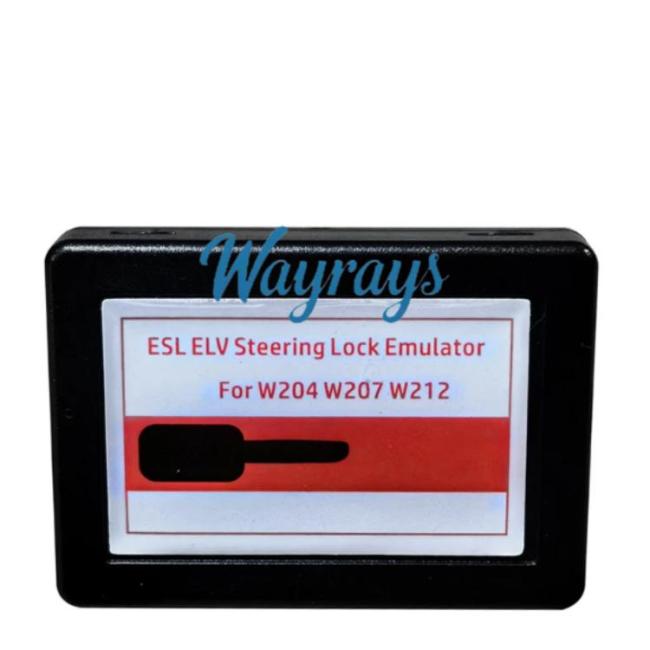
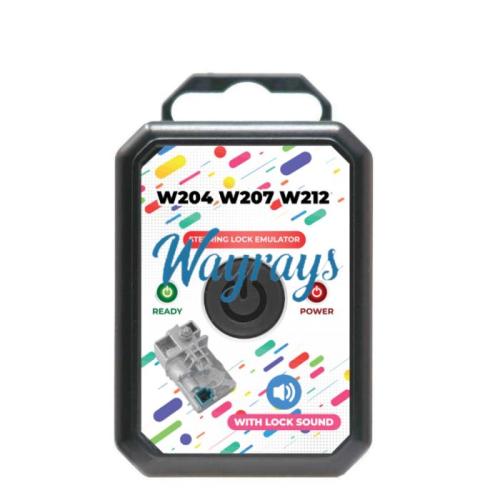
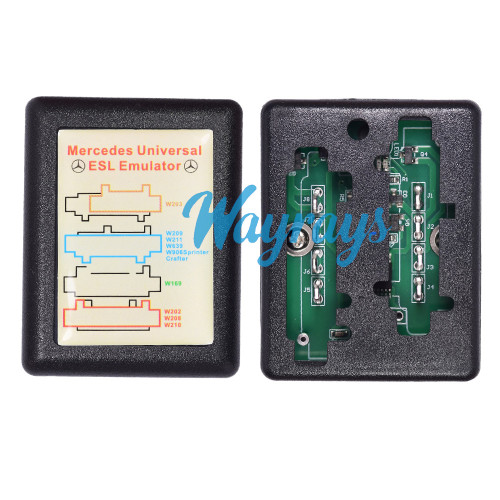
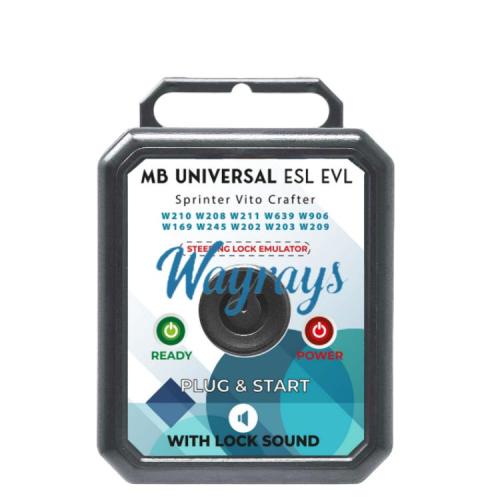
- Product Name: Universal ESL ELV Steering Lock Emulator for Benz W204 W207 W212
- Item NO.: Emulator-BEN002
- Weight: 0.1 kg = 0.2205 lb = 3.5274 oz
- Volume: 95 CBM
- Category: Locksmith tools > Emulator
- Creation Time: 2025-12-31
Mercede-s Esl Elv Electronic Steering Lock Overview:
1)Mercede-s W204 Steering Lock Fatal Error May Be a One of the Foremost Frequent Problems in Mercede-s Ben-z Starting System for Mercede-s W204, W207 & W212 From 2007 to 2014.
2)Mercede-s Ben-z Dealer Got to Order New Steering Lock Unit and Program It Which Is Simply an Excessive Amount of Costly and Required While of Waiting.
3)Using This Mercede-s Ben-z Elv Emulator, You'll Program It Straightforward & You'll Reprogram It to Other Vehicles Once Needed Straightforward.
4)Mercede-s Steering Lock Bypass Emulator Will Make Your Job Easier and Faster, Mercede-s W204 Esl Bypass Was Never That Easy, Using Emulator W204 Mercede-s It's Safer and More Durable Than Mercede-s W204 Elv Repair Since You'll Not Get Any Mercede-s W204 Esl ProblemMercede-s W204 Esl Emulator Main Features:
1.Mercede-s W204 Steering Lock Emulator Is Very Simple and Easy to Use
2.Mercede-s W204 Elv Steering Emulator Support Most Kinds of Mercede-s Key Programming Devices
3.Mercede-s W204 Emulator Are Often Reprogrammed Several Times
4.Mercede-s W212 Elv Emulator Light Helps You to Figure Out the Status of Elv ProgrammingThe Way to Use & Fix Mercede-s W207 Emulator:
1.Unplug the Elv Wire From the Car Steering Lock Unit
2.If Vehicle Steering Loch Is in Lock Mode Steering Lock Must Be Distant From the Car
3.Calculate Mercede-s Eis Password Using Mercede-s Key Programmer
Mercede-s Esl Emulator Programming Must Be Done Using Mercede-s Key Programming Device
4.Connect the Mercede-s Elv Emulator to the Car and Start the Car.
The Mercede-s C Class Steering Lock Emulator Is Reprogrammable and Should Be Reused Again After Programming.
5.Mercede-s Steering Lock Emulator Light Behavior.
6.After Programming Elv Emulator Mercede-s & Connecting It to the Car, or to the Testing Cables, Insert the Car Key to the Switch.
7.If the Emulator Elv Mercede-s Ben-z Light Turn Green That Mean Programming Is Completed Perfectly, and Thus , the Car Is Ready to Start Out Out
8.If the Mercede-s Eis Emulator Light Turn Red That Mean Programming Procedures Isn't Done Well or the Key You're Using Doesn’t Belong to the Same Eis / Ezs
9.If the Mercede-s Elv Emulator W204 Light Doesn’t Turn No You Would Like to See the Power the Availability of the Car or the CablesMercede-s Ben-z Steering Lock Emulator Supported Eis / Ezs:
Elv Emulator Mercede-s W204 Eis
Elv Emulator Mercede-s W207 Eis
Elv Emulator Mercede-s W212 Eis With Steering LockMercede-s Esl Emulator Supported Key Programming Devices:
Abrites AVDI
Xhorse VVDI MB BGA
CGDI MB
Autel Auro
You May Also Like




Recently Viewed
-

-

-
-
-
 For VVDI Keydiy toyota remote replacement key s...US$ 1.23 ~ US$ 1.40
 -
-

-

-
 For BYD emergency key bladeUS$ 1.15
 -
![[Without battery clamp]For Fiat key shell with logo place](https://cdn.staticyy.com/100611/2025/12/13/5/a/5a0d9111858ad5ef.jpg?x-oss-process=image/quality,Q_90/auto-orient,1/resize,m_lfit,w_500,h_500 "[Without battery clamp]For Fiat key shell with logo place") [Without battery clamp]For Fiat key shell with ...US$ 2.34 ~ US$ 2.60
[Without battery clamp]For Fiat key shell with ...US$ 2.34 ~ US$ 2.60 -
-
 For VVDI Keydiy remote replacement key shell wi...US$ 2.29 ~ US$ 2.60
- Help center
- About Us
- Contact Us
- My order
- Change password
- About Shipping
- Shipping Methods
- About Payment
- Payment Methods
- About Return
- Return Policy&Return Method
- Newsletter
Customer Reviews