 I. Function Introduction
1. Remote Locking
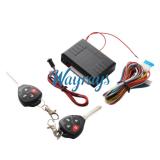
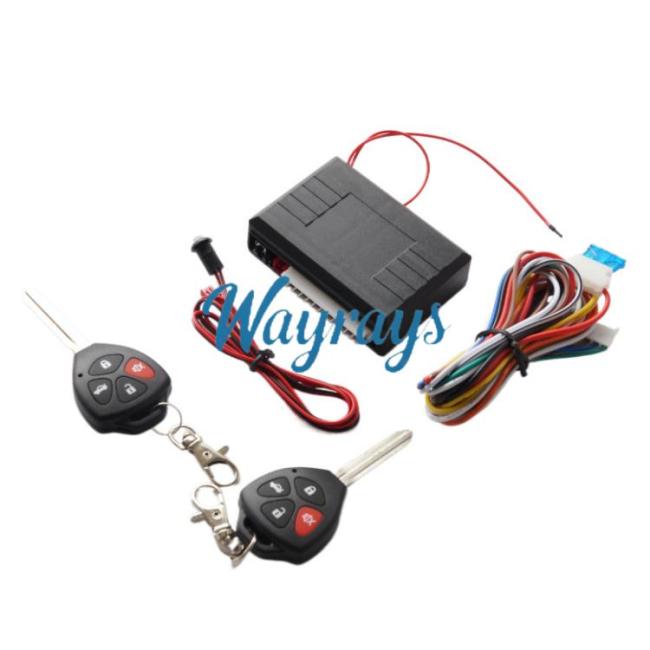
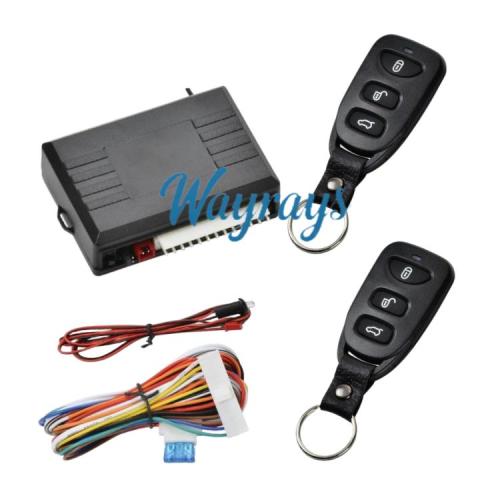
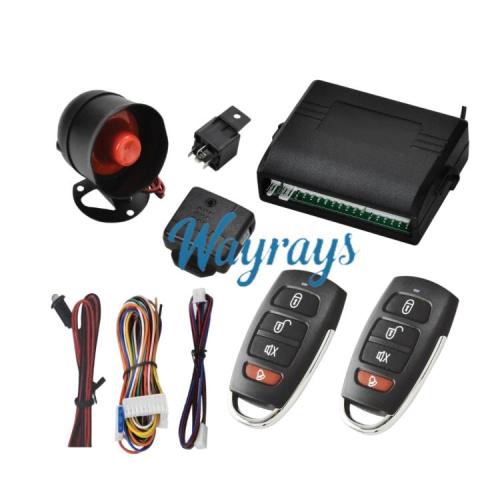
Press the "lock" button on the remote control, the turn signals will flash once, the horn will sound once, the doors will lock, and a window closing signal will be output, enabling the window closing function when used with a window closing module.
2. Remote Unlocking
Press the "unlock" button on the remote control, the turn signals will flash twice, the horn will sound twice, and the doors will unlock.
3. Remote Trunk Opening
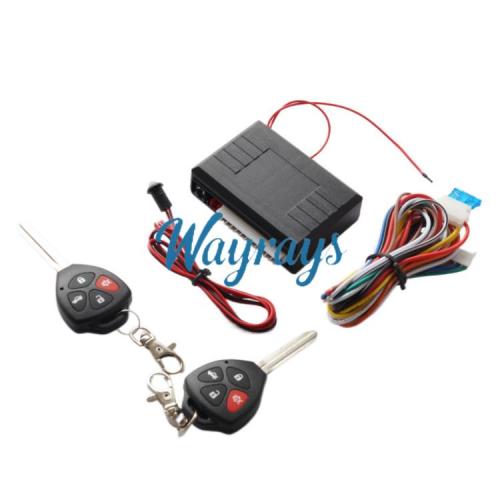
Press and hold the "trunk open" button on the remote control for 2 seconds, the turn signals will flash three times, the horn will sound three times, and the trunk will open. If the remote control has four buttons, pressing and holding either the 3rd or 4th button will open the trunk.
Pressing and holding the "trunk open" button on the remote control for 2 seconds will also open the trunk.
4. Electric Lock Selection
The system can be configured for electric or pneumatic locks via a jumper on the main board. The factory default is electric locks.
5. Remote Control Pairing
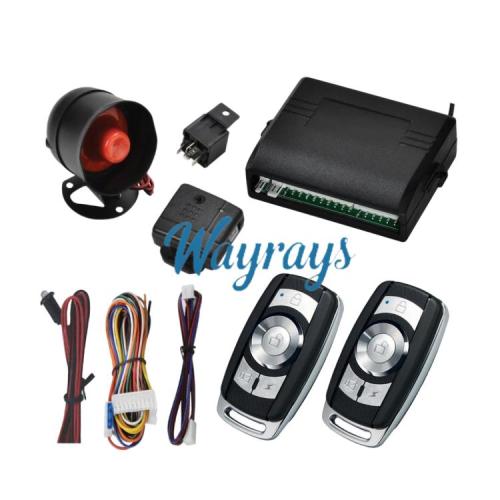
If the remote control is damaged or lost, you can pair a new remote control by pressing and holding the learning switch on the main unit for 3 seconds. The turn signals will light up. Press any button on the new remote control, and the main unit's turn signals will flash once to indicate successful pairing. Up to three remote controls can be paired at once. Both the old and new remote controls must be paired together; otherwise, the old remote control will become inoperable.
6. Remote Vehicle Location
Press the third or fourth button on the remote control once, the turn signals will flash three times, and the horn will sound three times, enabling the sound and light vehicle location function.
II. Electrical Parameters
1. Main Unit Receiving Frequency: 433.9MHz
Input Voltage: DC12V
Static Current: Less than 10mA
2. Remote Control Frequency: 433.9MHz
Input Voltage: 6V
Battery Model: CR2016
Encoding Method: Learning Code
III. Product Wiring Diagram







Customer Reviews